Hyper-personalization Expresia Natalia Uribe UX-UI Designer

Client:

Hyper-personalization Expresia

Category:

UX/UI Design

Year

2023

Skill Set:
USER INTERFACE PROTOTYPING FIGMA
Hyper-personalization Expresia

Overview

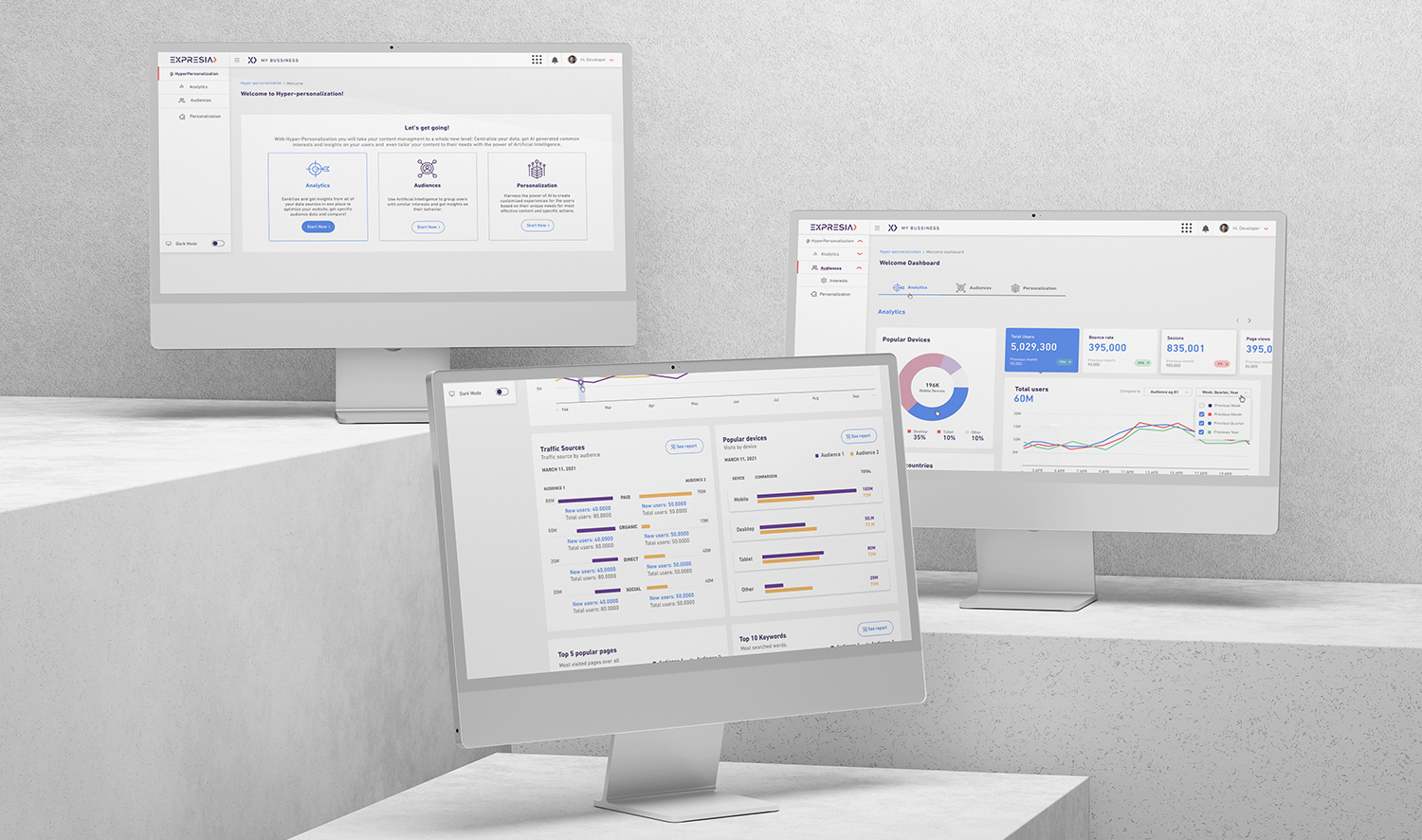
The digital revolution demands personalized experiences. We must decode website behavior, analyze user metrics, transition from engagement to delight, and use AI to match audiences with relevant content. Hyper-personalization enables companies to engage with customers on a deeper level by delivering tailored experiences, leading to increased loyalty and satisfaction.

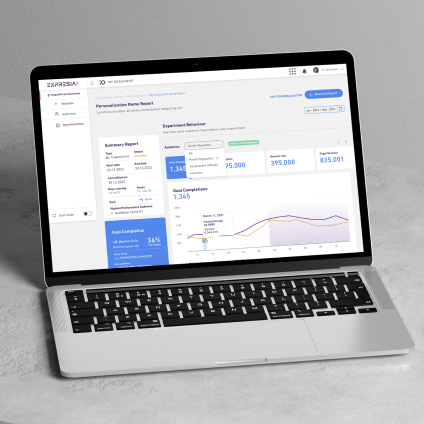
Expresia client wanted to build a Hyper-personalization Tool Analysis:
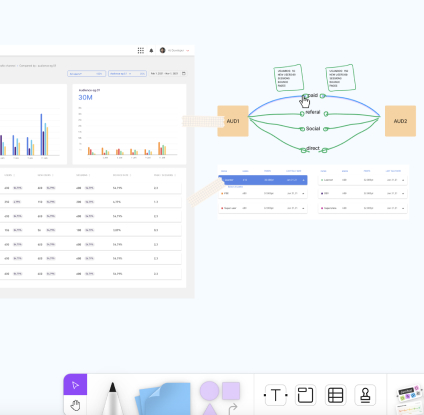
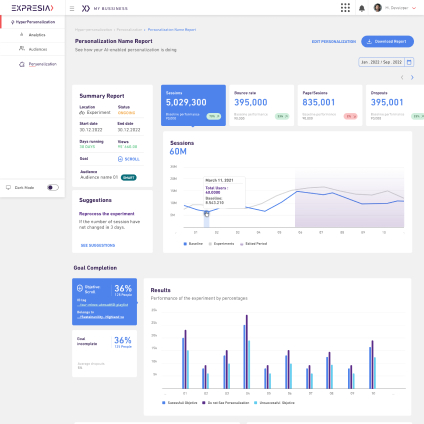
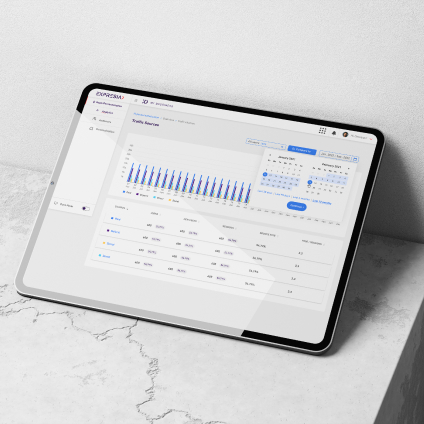
Analytics: Dashboards, Heat & click maps, Insights for action.
Audiences: Topic modeling, Audience reports, User profiles, Insights for action.
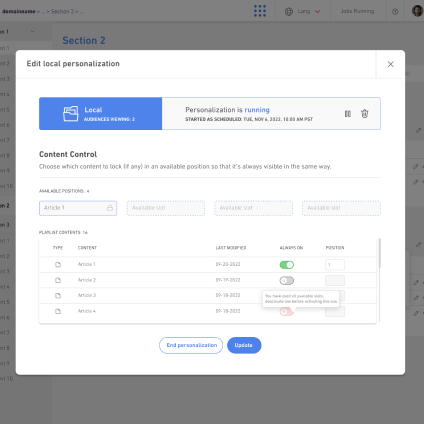
Personalization & Experiments: Local personalizations, Experiments & goals, Insights for action.

My role was: As a designer, I am responsible for organizing the structure of the dashboard, creating prototypes, designing a visually appealing interface, defining smooth interactions, conducting usability tests, and collaborating closely with developers.
Goals

The main goal is to improve the user experience and insights on any client that wants to purchase this featured. We're achieving this by:

  1. Uniquely identifying users using browser information.
  2. Tracking every user interaction for better insights.
  3. Setting up a dedicated database server for efficient data management.
  4. Using analytics dashboards to understand our audience better.
  5. Optimizing data queries for faster loading, even with large data volumes.

Challenges

I face multiple challenges that I confidently tackle every day. Such as:

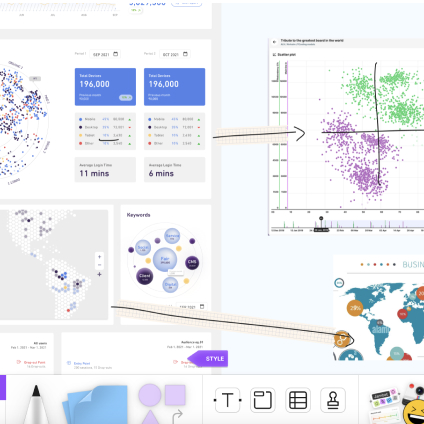
  • Complex Data Visualization: Designing clear and intuitive ways to present complex data and analytics on the dashboard can be challenging.
  • Providing users with customization options to tailor the dashboard to their preferences while maintaining simplicity and usability can be a balancing act
  • Designing the dashboard to be accessible to users with disabilities, including those using screen readers or alternative input devices.
  • Designing a seamless on boarding experience for new users to quickly understand and effectively use the dashboard's features presents a significant challenge.
  • Ensuring alignment between the design team, developers, and stakeholders regarding the project's goals, requirements, and priorities is essential for the successful execution of the dashboard project.

Deliverables

  • Low-fidelity wireframes outlining the layout and structure of the dashboard interface.
  • High-fidelity UI designs showcasing the visual elements, color schemes, typography.
  • Design a style guide detailing the design system, including typography, colors, iconography...
  • Visual representations of user journeys and interactions within the dashboard
  • Comprehensive package including design specifications, assets, and guidelines for developers

Process Thinking

Discovery

Understand the needs, behaviors, and pain points

Design and Prototyping

Visualize the functionality and flow of the dashboard.

Testing and Iteration

Iterate on the design based on user feedback.

Delivery and Deployment

Finalize the design assets. Deploy the dashboard to production.

expresia/grid-images-1.jpg
expresia/grid-images-2.jpg
expresia/grid-images-3.jpg
expresia/grid-images-4.jpg
expresia/grid-images-5.jpg
expresia/grid-images-6.jpg

Let's create together! Email me to get started.